
We found 30,000+ YouTube kids' channels eating your ad budget. Here's the list.
You're scanning a placement report and there it is: a channel pumping out nursery rhymes, sitting on a chunk of your spend. So you exclude it. Job done. Next month a different cartoon channel shows up in its place. Then another.
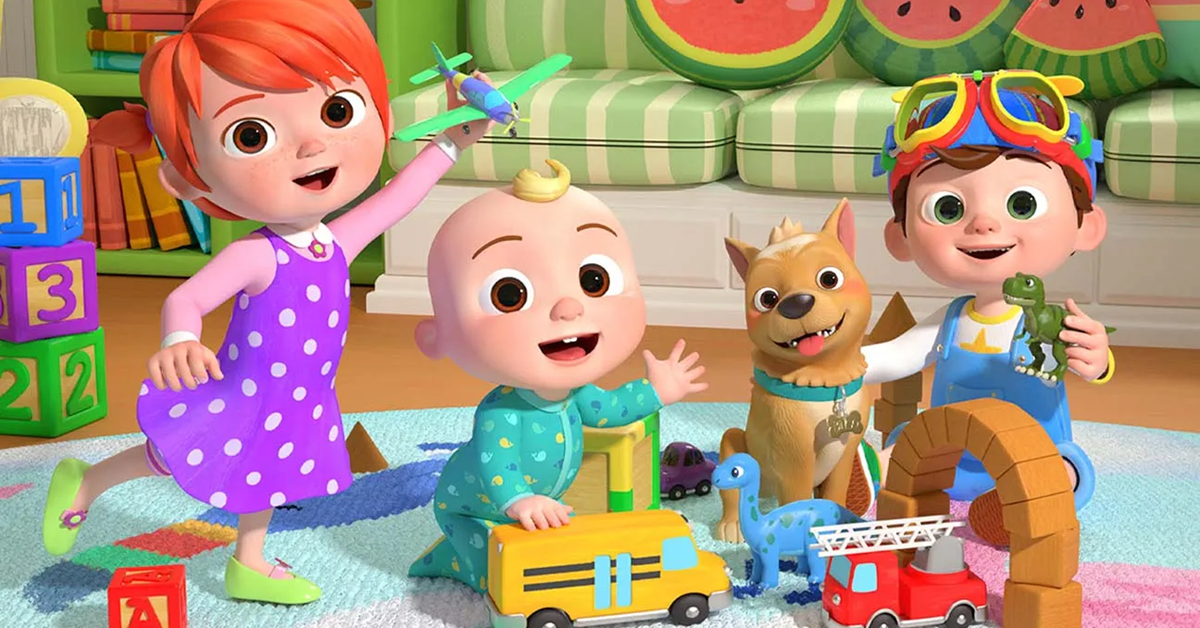
This started getting hard to ignore around 2018, when "Baby Shark" exploded and turned up in just about every placement report I opened. Baby Shark is still going strong (17 billion views and counting). And kids' content is big business now. Cocomelon drops a new video every few days, each one racking up millions of views within days, and the company behind it sold for around $3 billion to a Blackstone-backed buyer. That's the scale of what your ads keep drifting onto, alongside Vlad & Niki and hundreds of channels you've never heard of.
If you run YouTube, Performance Max, Demand Gen, or App campaigns, you've seen it too. For most advertisers it's just wasted money: accidental clicks from tiny fingers, and views from people who'll never buy what you sell. Depending on what you sell, it's worse than waste.
Everyone already agrees you should exclude them. The hard part is catching them all, because you can't trust YouTube's labels or a channel's title to tell you which ones they are.
So we did the catching for you. TrueClicks analyzes over 40,000 Google Ads accounts and more than $5 billion in yearly ad spend, so we get a unique look at where ads actually end up. We used that to scrape nearly 4 million YouTube channels and found 30,000+ that target children. The full list is below, free and ungated. Here's how to use it, and how not to.
Why kids' channels are almost always wasted spend
For 99% of advertisers, a kids' channel in your placements is money down the drain. Three reasons:
- Nobody who can buy is watching. Kids don't buy your SaaS, book your law firm, or fill a cart with your running shoes. A perfect view from a seven-year-old is still worth nothing. You paid for an impression and zero intent.
- The engagement is junk, and in PMax you can't even see it. Autoplay, or a toddler mashing the screen. You're paying for clicks and views that were never interest. And Performance Max only shows you impressions per placement, not clicks or conversions, so the waste just hides in your totals where you can't spot it.
- For some advertisers, it's a real liability. If you sell anything age-gated (alcohol, gambling, finance, dating), showing ads to kids is a brand-safety and compliance problem, not a rounding error. Google flags children's content under COPPA for a reason.
The exception: if you actually sell to kids or their parents (toys, family apps, kids' clothing), then ignore all of this. These channels might be exactly where you want to be. For everyone else, they're a leak.
Can't you just prevent it upfront?
Mostly, no. The campaign types where kids' channels show up most are the ones that took placement control away from you.
- Performance Max lets you add placement exclusions at the account level only. You can't exclude a channel inside the campaign, and you can't stop it from serving there in the first place.
- Demand Gen won't even let you opt out of individual channels. The most you can do is nudge where it serves by changing your creative mix.
- Video keeps surfacing kids' channels unless you keep excluding them, again and again.
- App campaigns give you the least control of all. Account-level exclusions are about the only lever you've got, and even that only works after the fact.
And even when you can exclude, you can't trust the obvious signals. YouTube's "made for kids" flag is set by the creators themselves, and it's applied all over the place. Channel titles are worse: a channel called "Little Stars Studio" might be a cartoon factory or a wedding videographer. You can't tell from the label, and Google won't tell you reliably either.
To be fair to Google, they do try. In the YouTube Kids app, advertising is limited, family-friendly, reviewed, and stripped of any click-through to a purchase. But that's not where it happens. It happens when a kid picks up a parent's tablet or phone and opens regular YouTube, where as far as Google is concerned the session looks like any other adult's. And which grown adult is voluntarily watching Cocomelon?
So it turns into reactive whack-a-mole. A channel appears in your placements, you exclude it, and tomorrow three new ones are born. There are new kids' channels on YouTube every single day.
Underneath it all, the fact is simple: automation took the controls out of your hands, but not the responsibility for where your money lands. You can't prevent these placements, you can only catch them after they show. So the whole game is really one thing: spotting which channels are kids' channels, fast and at scale.
That's the problem we set out to solve.
Why should you trust this list?
Because we didn't take shortcuts, and we didn't trust the labels we just told you to ignore. Here's what we did:
- Started from real placement data. We pulled every YouTube channel that served at least 10 monthly impressions across the accounts using TrueClicks. So this isn't a theoretical list of channels that exist somewhere on YouTube. It's channels real advertisers are actually serving ads on.
- Translated everything. We auto-detected each channel's language and translated the titles, keywords, and the 10 most recent video titles into English. This mattered more than we expected: a whopping 46% of the kids' channels weren't in English, spread across exactly 100 different languages. An English-only filter would have missed nearly half of them.
- Classified by content, not by labels. For each one, we looked at what the channel actually publishes and decided for ourselves whether it's mostly aimed at kids. Not the "made for kids" flag, not the channel name. That's the part that takes real work, and it's what makes the list worth trusting.
The result: 30,000+ channels aimed at kids, classified on what they actually publish, not on a label.
The list (free, ungated, yours)
Here it is: 30,000+ YouTube kids' channels →
No email gate, no signup. Make a copy, download it, or point your script straight at it (option 3 below). It's yours.
As far as we know, it's the most extensive and current list of YouTube kids' channels available anywhere, and we plan to keep it that way. New kids' channels go live every day, so we refresh the list every quarter. Bookmark this page and check back, or re-grab the sheet whenever you need it.

So how should you actually use it?
Four options, from the simplest to the most hands-off:
- On a manager account? Load the whole list once. A manager (MCC) placement exclusion list holds up to 250,000 placements, so all 30,000+ fit with room to spare. Build the list once, apply it to every account that isn't targeting kids or their parents, and you're done. For agencies running lots of accounts, this is the easiest win. The one catch is upkeep: new kids' channels appear constantly, so you'll have to update this list by hand. We refresh ours every quarter, so each time you can just paste in the latest version.
- On individual accounts, don't load the whole thing. Individual accounts cap out at 65,000 placement exclusions, and you can only add 20,000 at a time. Pasting all 30,000 would burn nearly half your account's cap on channels you'll probably never serve on, and you couldn't even do it in one go. Skip it.
- Free, account-level automation: build a script. Instead of pre-excluding everything, have a script read the list (it lives in a Google Sheet, which scripts can pull from) and compare it to your placement report. When something matches, the script adds just that one channel to an exclusion list of your choice. You only ever exclude what you actually served on.
- Or let a tool do it for you. If you'd rather not babysit scripts and sheets, a tool like TrueClicks runs that same matching across all your accounts and excludes kids' channels as they appear.
If you go the script or tool route, here's how to set up each.
Build the script yourself
No coding skills needed. Nils Rooijmans' Google Ads Scripts Sensei (a custom GPT) will write one with you. Start with a prompt like this:
I want you to create a Google Ads script that fetches all YouTube placements across all enabled campaigns from the last 30 days with at least one impression. Then check each placement against a list in column A of a Google Sheet (I'll provide the URL). If a placement matches, add it to a placement exclusion list that I will define.
It'll ask a few follow-up questions and hand you a working script.
Or automate it with TrueClicks
Here's what the hands-off version looks like in TrueClicks. No duct-taping scripts and sheets across accounts: switch on the right automation task, and TrueClicks auto-excludes any kids' channel the moment it lands in your placement report. It always uses our latest list, so when we add channels each quarter, your accounts pick them up automatically. Nothing to copy, nothing to maintain.
Want to try it yourself? Start a free trial (unlimited spend for 30 days), and TrueClicks stays free forever under $50K monthly ad spend.
Close the leak
You've handed a lot of placement control to automation. This is one corner you can take back today, whichever route fits your setup. Set it up once, and this particular leak stays closed for good. We keep the list current. You keep the kids out of your placements.

Before TrueClicks, Wijnand spent eight years agency-side at iProspect, and is probably best known for his 16-part "Complete AdWords Audit" series (2013-2016).
He's a regular conference speaker (SMX, Hero Conf, Friends of Search, ADworld Experience), contributor at Search Engine Land, and a multiple-time Most Influential PPC Expert.
